Epiphany Browser Wiki

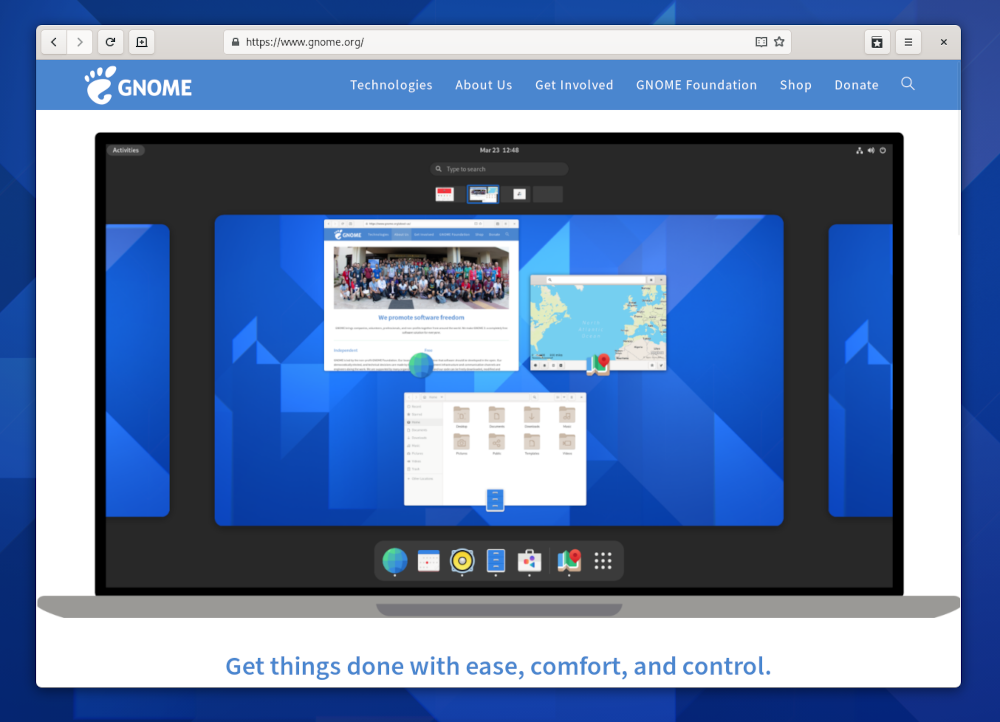
Welcome to the Epiphany wiki! Epiphany is the easy-to-use GNOME web browser. With Epiphany, you can Search by typing in the location bar and organize Bookmarks by category. Its clean Preferences window makes finding and changing useful options a breeze.

See the the Epiphany homepage and download and installation instructions.

Read the Epiphany weblog.

Tips

Quickly go Back

Alt-Left arrow or Alt+scrollwheel down

Switch Tabs

CTRL+PgUp or CTRL+PgDown to go one tab left/right

Search the web

CTRL-L, type keywords, then press down arrow to highlight 'Search the Web', press Enter

Search the page

CTRL-F, type a word, and use Enter to go to next match

Open in a new tab

Click the scrollwheel or middle mouse button on a link OR CTRL-Click

Open a link from the location bar dropdown in a new tab

select it and press CTRL-Enter.

Close the current tab

CTRL-W

Middle-click paste an URL to open it

gconftool -s --type bool "/apps/epiphany/general/middle_click_open_url" TRUE

Marketing

Slogans: PNG or SVG

Epiphany button:

Development

Old roadmaps: Epiphany 2.18 roadmap Epiphany 2.16 roadmap Epiphany 1.10 roadmap and 1.8 roadmap and 1.6 roadmap and 1.4 roadmap.

Epiphany Extensions

Distributors

News Archive

2008

2006

2005

2004

2003 and before

Links


CategoryProject

Epiphany (last edited 2009-09-09 11:26:52 by ReinoutVanSchouwen)